We offer a variety of ways to pay your bill
from easy and secure online payments to plans that
allow you to make interest-free installments.
Already a USCe.pay user?
Checklists
Learn how to set up and manage your USC student account here.
Learn how to ensure a smooth transition as you graduate or leave the university.
Announcements
USCard
Need to deposit funds to your card, review your transactions or check your balance?
You can manage your USCard account online.
Direct Deposit Refunds
Don’t wait! Sign up for direct deposit refunds through USCe.pay. You will automatically receive a refund if you have a credit balance on your student account. Please check our refund page for eligibility.
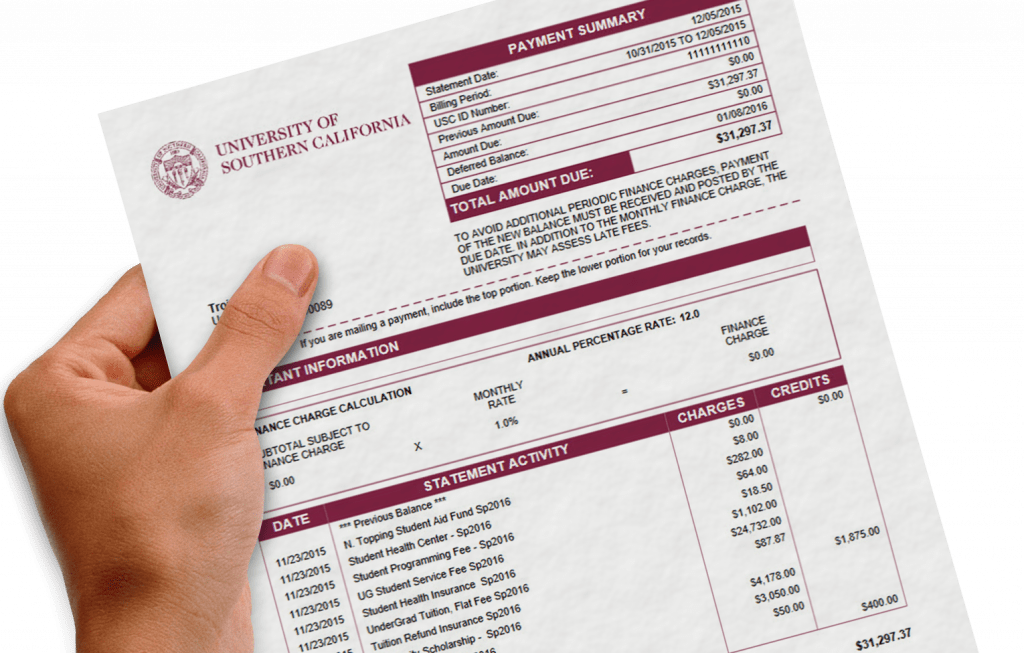
Understanding your bill
Learn how to review and manage your bill to stay on track, and avoid late fees and finance charges.
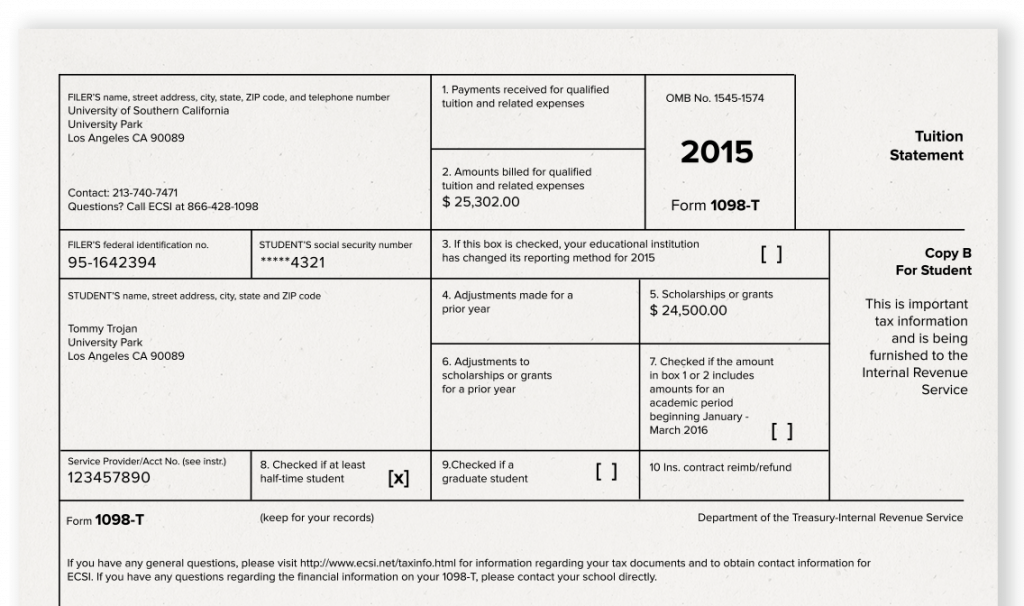
1098-T Tax Forms
2022 1098-T tax forms are available now. Visit Tax Information for eligibility and details.